The mass-market leader and fan favorite take very different approaches to photography.
All three generations of Pixel phones have set new standards for smartphone photography. Historically, the only phone that really outdoes a Pixel's camera is the next Pixel. Others get close, and offer different experiences, but ultimately come up short to Google's phones in terms of outright photo quality. Samsung has a great reputation for having very consistent, capable smartphone cameras — but its slow iteration over the last few generations hasn't looked great considering the consistent improvements Google has made.
The Galaxy S10 adds a new ultra-wide camera in addition to the standard and telephoto lenses, and has new software, processing and features to make use of all three. While Google continues to lean heavily on software processing to make the most of its single camera that doesn't look particularly good on paper but has consistently produced amazing photos. Now it's time to see how well the Galaxy S10 challenges the Pixel 3's camera.
Good lighting


Galaxy S10 (left) / Pixel 3 (right) — click images to view larger


This plays out as expected, having spent plenty of time comparing Samsung and Google's last-generation flagships. Though the components and software have been updated slightly, the philosophies remain the same and play out in all of the photos the Galaxy S10 and Pixel 3 take.
The Galaxy S10 takes brighter and more colorful photos every time — whether it's accurate or not.
The most apparent difference between these cameras is that the Galaxy S10 takes brighter, more colorful photos every single time, leaving the Pixel 3 looking a bit more dim and dull by comparison. But that isn't to say the Galaxy S10 is accurate — far from it, as the Pixel 3 typically recreates a scene far closer to the way your eyes see it. Sometimes the Pixel 3's photos are so dim that they require tap-to-focus or post-processing just to get them up to a "normal" level. The characteristics carry on to white balance and color temperature, where the Galaxy S10 consistently takes warmer photos overall, again not natural to the scene, while the Pixel 3 is cooler and more natural — though in this case, the Pixel 3 often goes a bit too far in the other direction.
The Pixel 3 retains detail and textures the way you'd expect a high-end camera to.
Samsung's approach makes sense. People generally want to see bright, colorful photos — not necessarily the most accurate photos. Bumping up the brightness, saturation and warmth is something you see across the photography world as an easy "fix" for making even mundane photos seem more interesting to the eye. But if you value having your photos represent the real world, and want to leave the selective editing to yourself, the Pixel 3 is going to provide a better baseline to start with.
The other fundamental difference between how Samsung and Google process photos is in detail and textures. Samsung consistently flattens and crushes fine details in photos, smoothing things out to a high degree. This gives photos a great look at a glance, and sharp edges are retained, but it isn't particularly appealing when viewed large or up close. The Pixel 3 retains dramatically more detail in photos, even under close inspection, but can leave a little bit of grain or noise in some places — but it's once again authentic to the actual scene. You see texture where there should be texture.
Bad lighting


Galaxy S10 (left) / Pixel 3 (right) — click images to view larger


There's no way to say this nicely ... Google is still the easy winner when it comes to troubling lighting conditions. And that doesn't just mean "dark" scenes — it also applies to indoor shots and scenes with mixed lighting.
Google is still the easy winner when it comes to troubling lighting conditions.
This is where Google's reliance on software processing really shows its strengths. In low or mixed light scenes, the Pixel 3 can bring out brightness and details without relying on simply ramping up the ISO or using a single long exposure. Its HDR+ processing manages to bring out light without causing the usual downsides of grain or a lack of details. Low light photos come out crisp just as they do in the day, and what's really impressive is how well the Pixel 3 can still manage to produce proper colors and white balance that are accurate to the scene.
Night Sight mode just takes things to a new level, where no other phone — let alone just the Galaxy S10 — is playing. There are ways in which the Galaxy S10's camera can somewhat compete with the Pixel 3 in poor lighting, but if the Pixel 3 goes into Night Sight mode it isn't even a competition anymore. Sure it takes a much longer time to take those photos, but the result is amazing shots that no other phone can take.
Samsung's camera tries to rely on old photography principles, with little advanced software processing to fill the gaps.
Samsung's tendency to over-smooth textures and flatten out details does not pair well with low-light scenes, where it can often give a soft, blurry or watercolor-like look to photos. It's particularly noticeable in people's faces, which just turn into a blotchy mess. Despite having a large sensor and fast aperture, the Galaxy S10 still leans heavily on typical photography principles to try and get more light in the photo: a higher ISO and longer shutter speed, which just don't do enough. Even the "scene optimizer" that is supposed to detect low light situations and adjust accordingly doesn't seem to do a whole lot.
The best way to handle really dark scenes on a Galaxy S10 is to use Pro mode, or at least work with the manual exposure slider in auto mode, to force the Galaxy S10 to try and take a dark photo. Samsung's desire to brighten up every photo to an extreme really works against it in poor lighting, and if you can force the ISO to stay low it can take a better photo. But even still, it isn't going to match the Pixel 3.
Experience


One thing we've learned from years of using Pixel cameras is that quality of photos isn't always matched by quality of experience taking them. Even with the latest models, Google's been unable to get its camera software to run as consistently or as quickly as Samsung. The camera app regularly has trouble opening up for quick captures, can be sluggish to save photos, and is just generally slow compared to the competition. It's an inconvenience at best and a major frustration at worst.
Samsung has camera speed and consistency locked down, plus an ultra-wide camera that's a joy to use.
Samsung has the camera speed and consistency locked down, and it's one of the biggest benefits. The camera is always ready to go, will capture without question and switch modes or change settings immediately. Samsung also offers far more options for different shooting modes and tweaks within each mode, including a comprehensive Pro mode that lets you control every aspect of the camera. It's able to strike a good balance between being easy to use for novices and capable for enthusiasts.
The Galaxy S10 also has the distinct advantage of its new triple camera setup, with an ultra-wide camera that's a joy to shoot with. Its telephoto camera is closely matched by the Pixel 3's really good digital zoom, but nothing Google does can recreate the interesting point of view offered by the ultra-wide camera. Sometimes photography isn't just about the quality of the shots, but the perspective that can be captured and the fun that it offers.
Which camera is best?
It's obviously telling that as of this writing the Pixel 3 is our pick for the best Android camera. Even though it lacks the Galaxy S10's ultra-wide and telephoto cameras, and can face performance issues, you just can't deny that its shot-to-shot photo quality is exceptional. The differences are particularly noticeable in low light scenes, where the Pixel 3 somehow performs almost as well as broad daylight.
The best possible photos come from the Pixel 3, not the Galaxy S10 series.
The Galaxy S10 has its own appeal for people who want to be able to open up their phone's camera and capture instantly with incredible consistency and know that they're getting an above-average photo that can go straight online. And even those who want to tinker and play with their camera will see benefit in Samsung's more robust camera software. It's a great overall package. Plus, the ultra-wide camera offers a cool perspective that you can mix in with all of your other photos.
But if you're looking for the best photos possible, in as many situations as possible, the Pixel 3 or 3 XL will do a better job of providing that than the Galaxy S10 series.
Best photos
Google Pixel 3
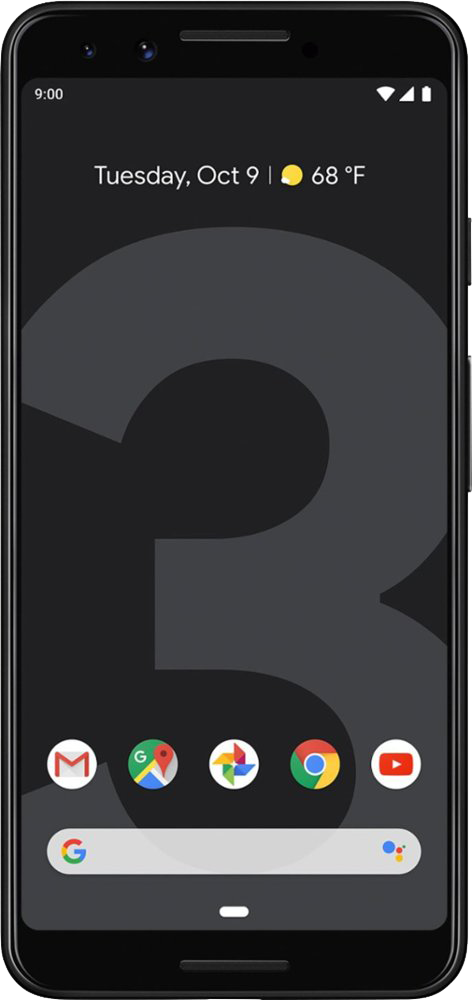
From $720 at B&H
The best photos from any smartphone today.
The Pixel 3 takes the best photos of any smartphone camera right now, and it doesn't care what the lighting conditions are. It flexes its strengths in low light, but still takes excellent photos in every other situation as well. Just have your patience ready to work with its camera app that can be frustratingly slow and inconsistent.
Consistent performer
Galaxy S10
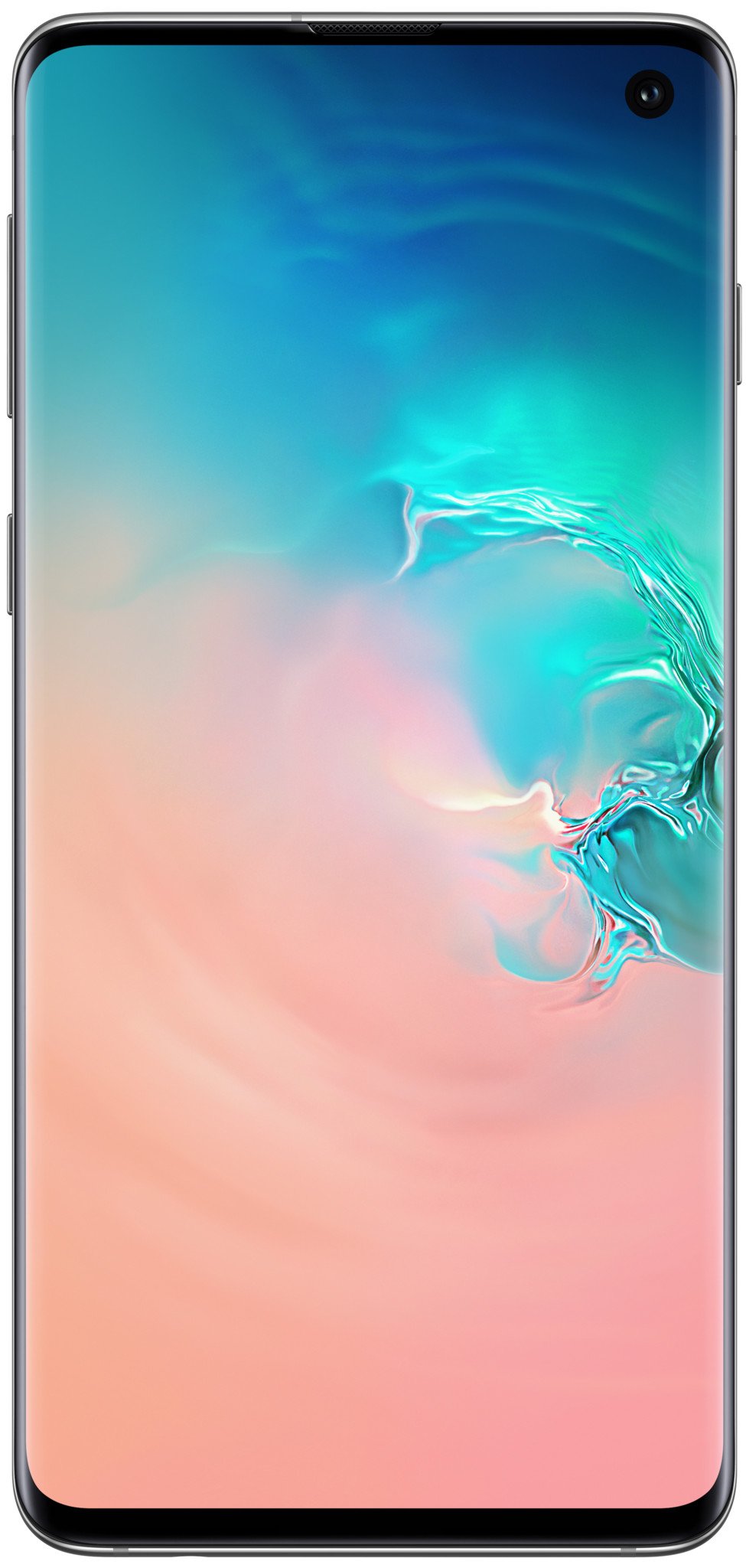
From $899 at Amazon
You can find better photos elsewhere, but you'll have a great time using this set of cameras.
The Galaxy S10 doesn't produce the best photos in every situation, but it has incredible consistency and takes beautiful shots in most scenes. Plus, its camera software is fast and filled with features, and its ultra-wide camera is a real treat to shoot with.

 claykin03-30-2019 06:49 PM"
 worldsoutro03-31-2019 06:02 PM"
 cwbcpa03-30-2019 05:18 PM"
 jlangner03-30-2019 07:52 PM"