Thursday, May 31, 2018

The $213 Piper Minecraft Raspberry Pi kit will teach kids valuable skills

Amazon has the Piper Minecraft Raspberry Pi Computer Kit on sale for $213.03, which is the lowest this has been all year. It typically would run you almost $300.

With this kit, your child can solve puzzles in the Raspberry Pi edition of Minecraft by building their very own computer from start to finish. Once that's done, they can keep building power-ups within the game by using physical controls, switches, buttons, and lights. It's perfect for kids ages 7 to 13.

This kit rocks because it combines the technology and fun that children love with hands-on learning, which is not something that can often be said when it comes to hours of watching YouTube Kids or Spongebob. It introduces them to coding, programming, and building in a way that keeps their attention and focus. One reviewer said, "My son hates school and says he hates to learn. But he LOVES his PIPER and doesn't realize how much he is learning."

Remember when you used to tear the remote apart, and then put it back together, just to see how it worked? This kit is kind of like that, but your kids will be guided through the whole process with step-by-step instructions. It comes with a handcrafted wooden computer case with HD LCD display, a functioning computer running on a Raspberry Pi 3 project board, a ton of electronic gadgets like buzzers and lights, cables, a laminated blueprint with assembly instructions, a USB mouse, an 8GB SD card, and a custom Raspberry Pi Edition of Minecraft. It's Wi-Fi enabled and has free automatic level updates as well.

See at Amazon


from Android Central - Android Forums, News, Reviews, Help and Android Wallpapers https://ift.tt/2IZZlhq
via IFTTT

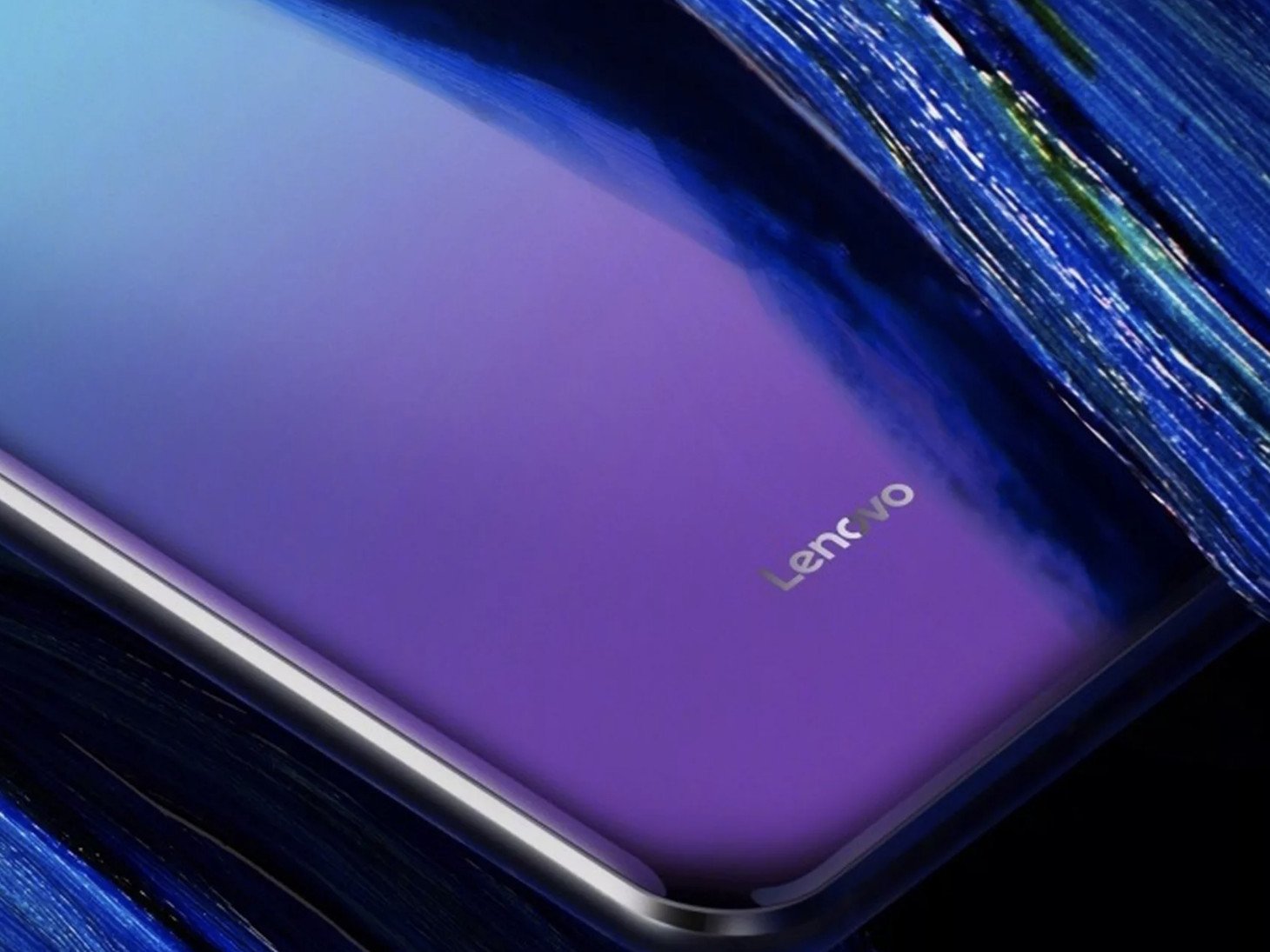
Lenovo teases a truly bezel-free smartphone that'll be announced on June 5

A launch event will be held in Beijing, China.

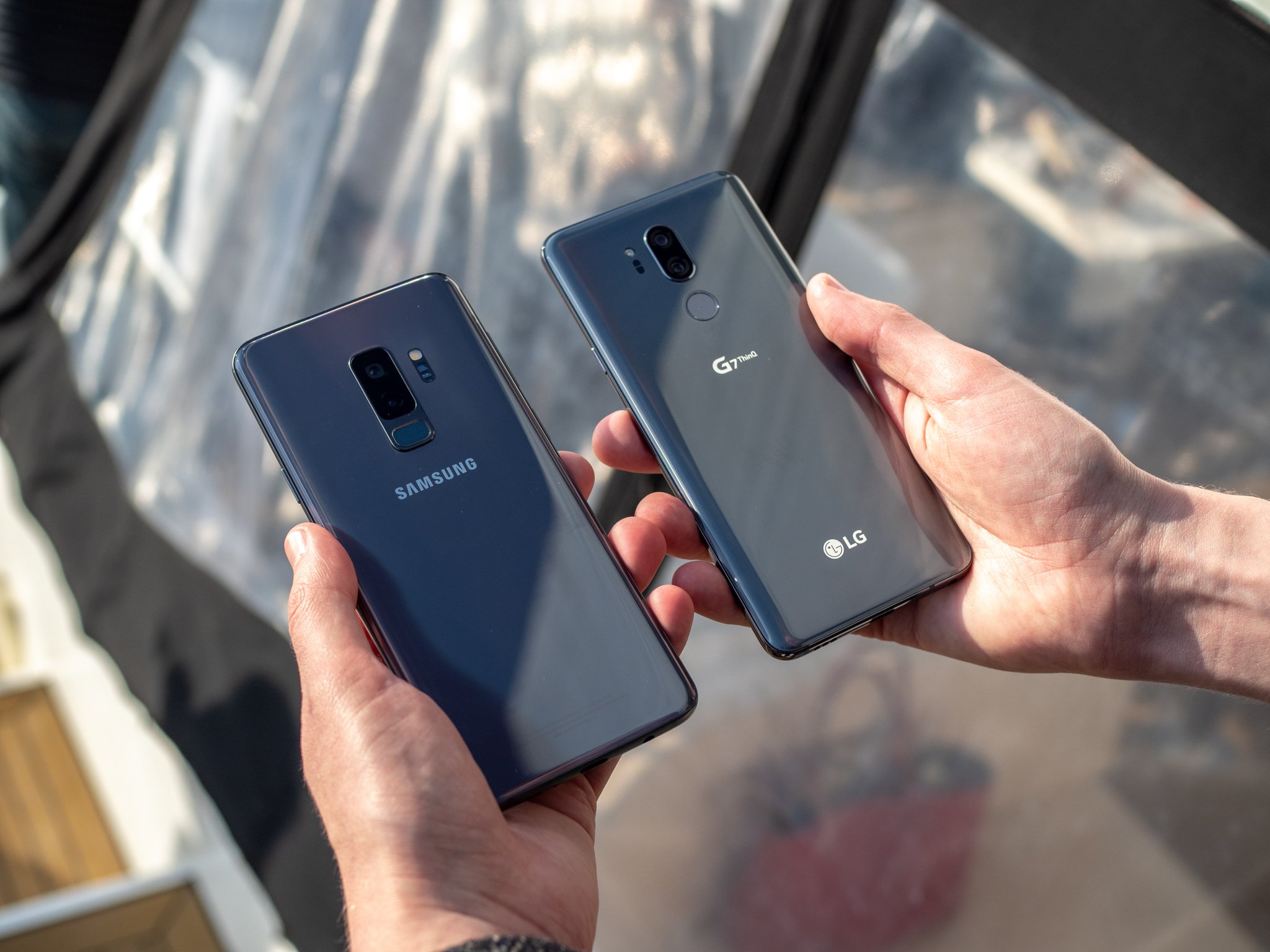
Ever since the LG G6 debuted last year, OEMs have been in a race to trim down bezels on smartphones as much as possible. Samsung's got its Infinity Displays, Apple paved the way for the infamous notch with the iPhone X, and now Lenovo's begun teasing its Z5 handset that hints at a phone that's truly bezel-free with no notch in sight.

A press invite that recently went out invites the media to an event that'll be held on June 5, 2018, in Beijing, China. This is where Lenovo will unveil the Z5 for the first time, and while specifics on the device are still up in the air, we do know that it boasts an impressive screen-to-body ratio of 95%.

We're ecstatic to learn more about the Z5, but don't get your hopes up about owning one if you reside in the Western part of the world. Lenovo-branded phones typically don't come to the U.S., but considering that Lenovo owns the more widely available Moto phones, it could be possible that the Z5's tech creeps over to them in the not-too-distant future.

Don't forget, the Z5 isn't the only phone of its kind that'll be revealed next month. A week later, Vivo will announce the consumer version of its Apex phone that was debuted at MWC this past February. That phone also features a screen-to-body ratio of more than 90%, and also includes things like an in-screen fingerprint sensor and selfie camera that pops out of the top frame.

Although these first few all-screen phones will likely get limited releases, it's still exciting to see them actually come to market.

Are you excited for phones like the Lenovo Z5?

Vivo's Apex concept phone has tiny bezels, pop-up camera and in-display fingerprint sensor


from Android Central - Android Forums, News, Reviews, Help and Android Wallpapers https://ift.tt/2skCRx9
via IFTTT

The Last of Us Part II: Everything You Need To Know

Joel and Ellie made it out alive, but did they really escape danger?

The original launch of The Last of Us was a refreshing departure for Naughty Dog. As much as we love Nathan Drake, seeing Uncharted's level of polish, deep storytelling, and rich character development in an entirely different world is richly satisfying.

So naturally, we're expecting big things out of the Last of Us sequel. The Last of Us II is on its way for the PlayStation 4, and if you haven't kept up until now, then we're here to get you up to speed.

What's the story so far? Spoilers for part I ahead

As the name implies, this is a sequel to Naughty Dog's 2013 PlayStation 3 exclusive. That game was eventually remastered for the PlayStation 4. The Last of Us is an adventure game that features stealth and shooting mechanics at the core of its gameplay.

There's also a survival horror element to it, with much of the player's path being blocked by ghastly looking things called Clickers. These beings are actually humans who have been infected with a deadly strain of the cordyceps viral strain, a virus which makes them cannibalistic and mutates their bodies.

Players control Joel (voiced by Troy Baker), whose life was turned upside down when military soldiers came and shot his daughter at the onset of the outbreak. Joel had to live decades with the pain until a girl named Ellie (Ashley Johnson) was thrust into his life by a survival group known as the Fireflies. They tasked Joel with helping to smuggle Ellie from within a quarantined zone to their hideout.

Reason being? Ellie is actually infected, but instead of turning in three days like most of the other folks, she has been symptom-free for three weeks. They believe the cure to the virus lies within her, and they want to perform lethal surgery on her to find it. Joel is unwilling to let Ellie die, however, as he has grown attached to her - perhaps because she helps fill the void left in his heart by his daughter's death.

Long story short, they eventually escape, and that's where The Last Of Us II will pick up. In actuality, about five years have passed between the events of the original game and the sequel.

What's happening in Part II?

Not much is known about the events that will unfold in The Last of Us Part II at this time, though we do know that Ellie and Joel are returning, with players controlling the former this time around. It's also said to have an overarching theme of hate in stark contrast to the first game's emphasis on love. Hint: Ellie is pretty grown up (19 years old), and she's the one who's pissed off now.

We also know it'll be a much darker game in tone, and that it'll double down on the whole cannibalism angle. The two trailers we've gotten about the game so far have been unrevealing in regards to the story, but considering there are still hordes of infected threatening the unnamed characters we can at least assume that a cure was never found.

Joining Joel and Ellie are a bundle of new characters, too. Victoria Grace is playing Yara, Ian Alexander will play Lev, and there will be a guest appearance from Emily Swallow as Emily. Laura Bailey is also confirmed to have a significant role in the story with a yet-to-be-named character. And at least part of the game is taking place in Seattle, Naughty Dog confirmed.

Gameplay details

Naughty Dog hasn't yet revealed much about The Last of Us Part II's gameplay. We can at least expect similarities to the first title, which featured a third-person shooter base with stealth and survival elements. Players can shoot, of course, but there's also a crafting system for making tools, weapons, and consumables that you'll need throughout the game.

You can also expect cooperative mechanics that'll require the teamwork of both Joel and Ellie, puzzles that'll need to be solved before you can move through an area, and more. We're also sure that a multiplayer component will be returning for the sequel.

When can you play it?

Unfortunately, a release date for The Last of Us Part II has yet to be set. Sony will likely reveal more information at E3 2018. It's possible the game could launch later this year or in early 2019, with recent murmurings suggesting Naughty Dog was as far as 60% into its development in December 2017. Don't get your hopes up, however, because mum is still the word.

We'll be updating this page with new details about The Last of Us Part II as they come in. Be sure to check back often for the latest!


from Android Central - Android Forums, News, Reviews, Help and Android Wallpapers https://ift.tt/2LGS8AF
via IFTTT

PlayStation 4: The Ultimate Guide

The extended user manual for all things PlayStation 4

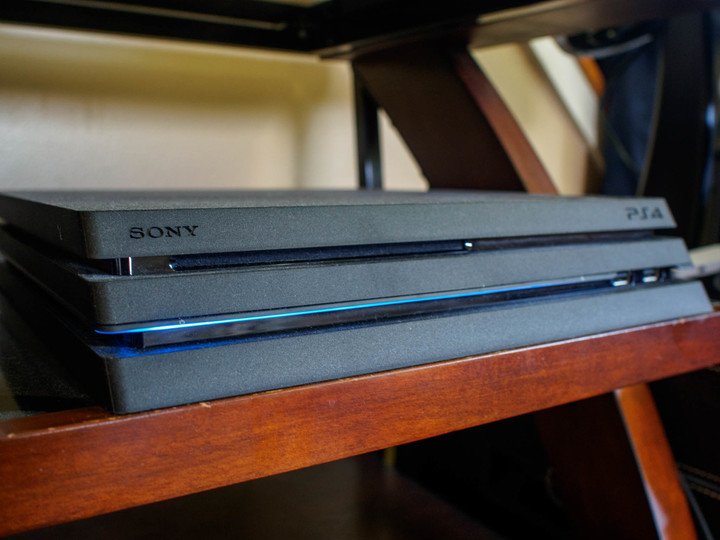
Some of us have been PlayStation fans from day one, but this most recent generation of Sony's infamous game console has really turned heads. The PlayStation 4 is not only a capable competitor in the market, the list of incredible games available for it is unrivaled. But there's a whole lot more you can do with this console if you know where to look, and like all gadgets sometimes things go wrong and you need to troubleshoot a problem. So whether you've just bought your first PlayStation 4, or you just need a little help getting started, we're here for you. In this article, we are going to document all of the resources you will need to ensure that your PlayStation experience is the best it possibly can be.

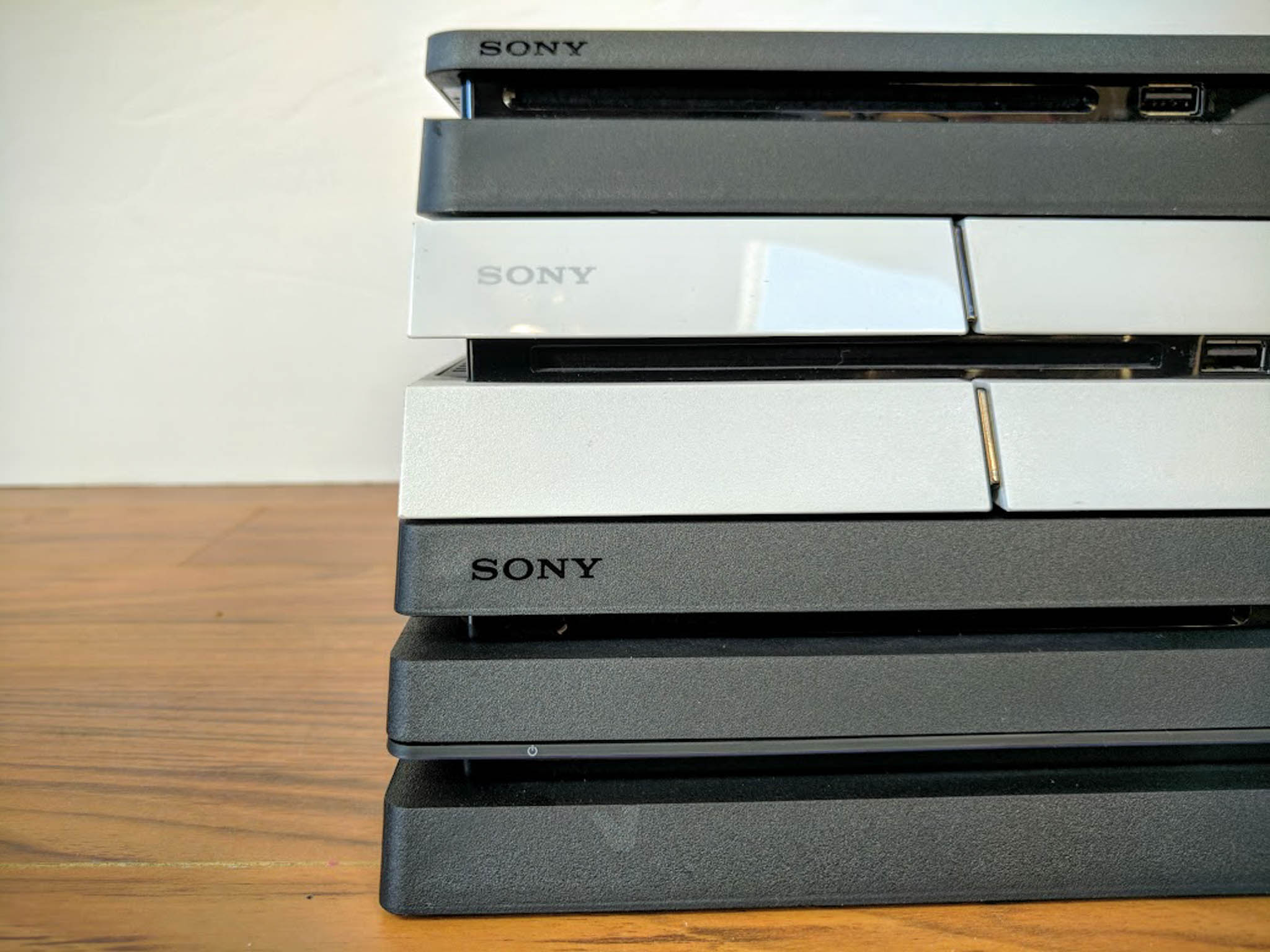
If you haven't bought a PlayStation yet, we've also go the tools to help you out. Choosing your PlayStation might be difficult and if you ever plan on using a PlayStation VR you definitely want a PlayStation Pro. Aside from performance, you want to save money, and we want to help you do it. Buying products in bundles, especially if you already need the whole kit, can save you boatloads of money.

Update March 8th - 5.50 is releasing as an official update and coming out of Beta

Today PlayStation is launching a new 5.50 update for their consoles that will be coming with a whole lot of cool new content. If you have recently bought a PS4 for your child you're gonna absolutely love the new Play Time Management feature that will now allow you to control how long your child's account will be allowed to play their games. It isn't even just subject to "4 hours a day" as the controls are so extensive you can change the settings to something like, "My child is allowed to play between 4pm-7pm on Wednesday for 4 hours, and 2pm-8pm on Saturday for 3 hours!" Not just that, but these settings can be controlled from the parental account on your PlayStation, Sony's website or even the PlayStation App on your phone!

Your library will be getting a few more tabs in the update as well, making it easier to sort out and find new content. If you're a PlayStation VR user, now you don't have to guess which titles are VR supported by their names or descriptions. After this update all VR supported devices will have a VR icon next to them in the PlayStation Store, allowing you to organize your searches that much better.

The Quick Menu is also getting some nifty updates including a drop-down friends list for you to see who's online and send them messages or invitations directly from a shortcut option! On top of this PlayStation Music and Spotify users will get a shortcut option with the Square button for volume control. USB Music Players will be using the Triangle button for play/pause, and the Square button for volume control! On the topic of Quick Menu's, there will be a new option to permanently delete your notifications! No more clutter!

Now, onto the Tournament page updates! In addition to now being able to import your pictures from USB to use as your Team Logo, tournament page background you can also use then for your PlayStation Home background! Also, you can now schedule events directly from the tournament page, and more easily filter between Team vs Team and 1v1 events.

Finally, in regards to the performance, PlayStation Pro is receiving an update called Supersampling Mode which will allow the PS4 Pro to run a new resolution scale that goes up to 2160p!

Get to know the best hardware

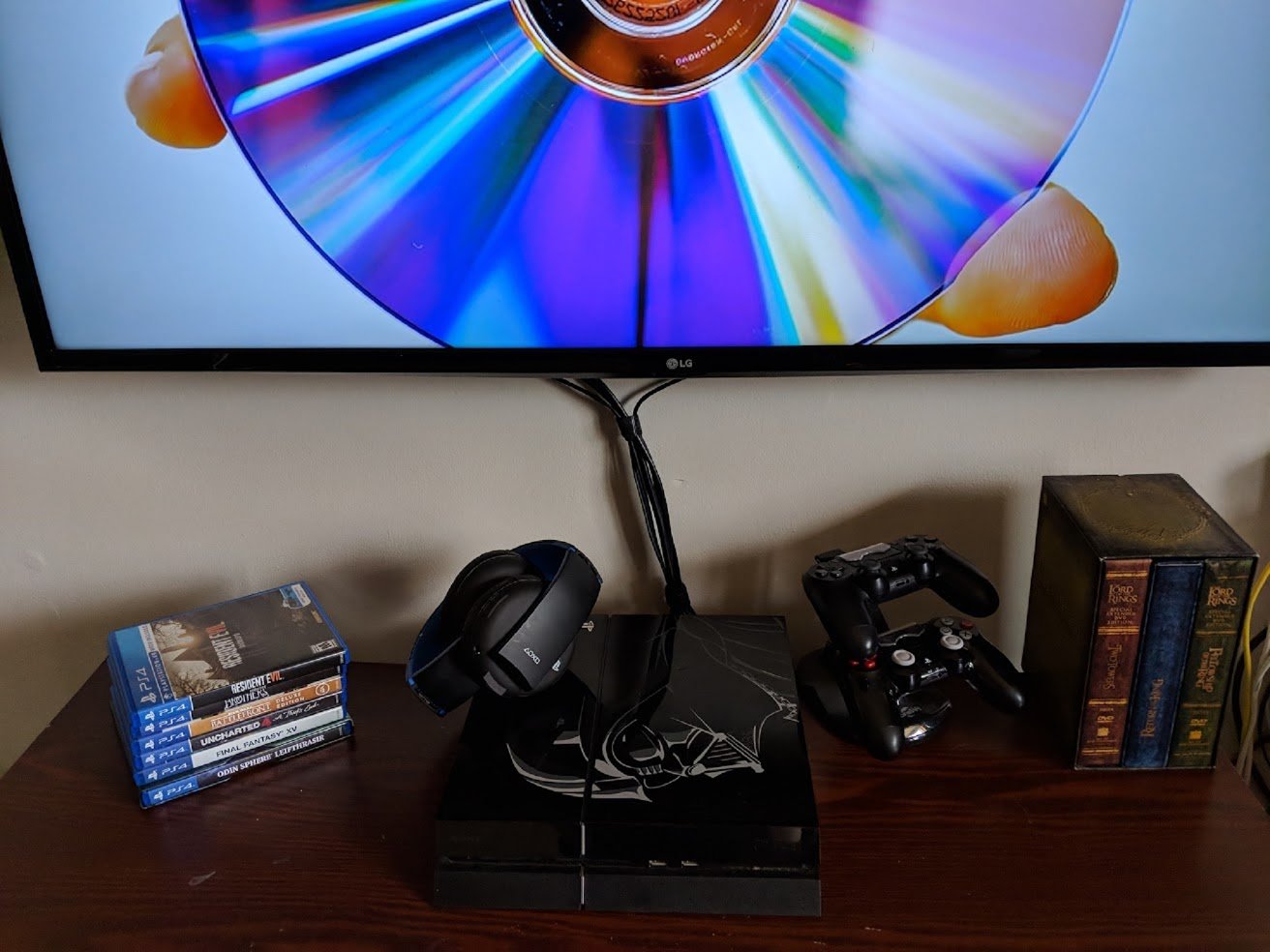
Just like buying a new car there is always the option to get your possessions in a "fully loaded" style. Well, from the controllers to the headsets we've got all the information you'll need to deck out your gear for the PlayStation. These accessories and upgrades aren't just to improve the visual of your command center, but you can also improve the performance.

Last but not least, let's take a moment to appreciate all the save files to our favorite games. The ones that, even if you don't play for a few years, you never want to lose. PlayStation used to have an interchangeable memory card, but now it's all on their internal hard drive. So if you're running out of memory but don't want to lose anything, you can also check out this list for the best external hard drives.

The best fun to have on your PlayStation 4

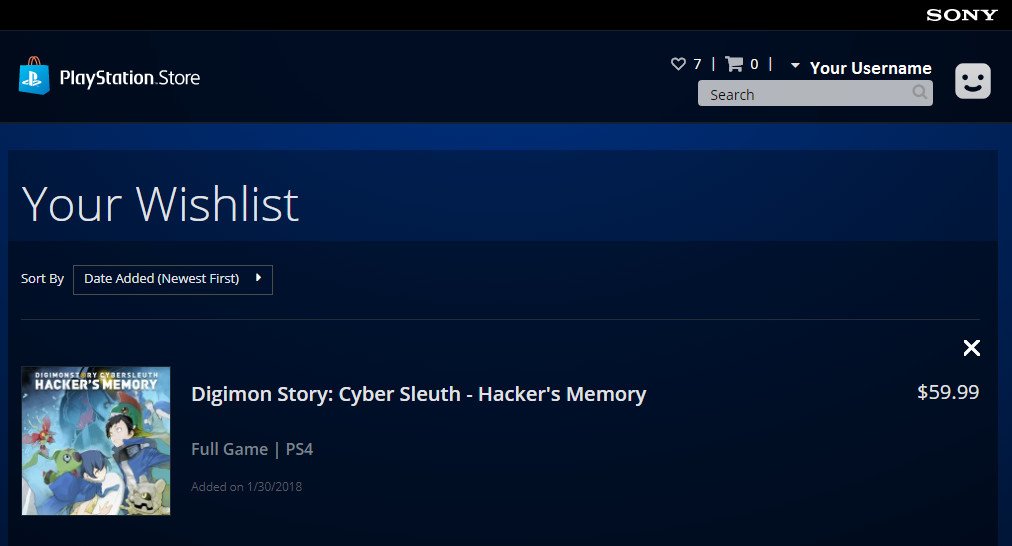
While there are plenty of super cool apps to lose yourself in, one of the main reasons for owning a PS4 is for the games. As you know, exploring the PlayStation store from your console or even online can take hours and the only thing you're going to do is wish your wallet was fatter. Well, you can save your time knowing that we've done most of the research for you! So instead of window shopping, check out these links here to get an idea of what people are already playing, and what you should be playing too!

Don't forget to stay updated with our here on Android Central! Most of these articles are updated on a montly basis, so if you keep checking in we're bound to have new content for you!

Recommendations when owning a PlayStation console

So you've got everything settled, you know how your system works and everything is set up just the way you like it. Now you're wondering if there's anything more you can do to make your PlayStation scream "YOU" just a little bit more. Check out these links to see what choices you have, and how to get them done!

Help and how-tos

From troubleshooting to figuring out all the new commands for your console, we've got plenty of resources to help you out. Whether you're a new PlayStation owner or just trying to figure something out you've never tried before, check out these links to see if any of these can help you out!

When buying a new PlayStation after already owning one

Navigating your PlayStation Store

Helpful how-to

Troubleshooting

Tips, Tricks and Everything you need to know!

Thoughts?

Do you have any questions regarding your PlayStation 4? What helpful hints would you like to see more of? Let us know in the comment section below!

Updated May 2018: We've added more articles — from buying the new PlayStation Gold Wireless headset to how to control your controller jitters, we've got your back!


from Android Central - Android Forums, News, Reviews, Help and Android Wallpapers https://ift.tt/2FpvgoJ
via IFTTT

Save big on popular graphics cards, power supplies and more today only

Perfect time to upgrade!

Amazon is running a big one-day sale on a variety of PC components and accessories, saving you up to 25% on the purchase. With popular brands like MSI, ASUS, AMD, Seagate, WD, and more included, you'll want to take a few minutes out of your day to check this out.

Some of the deals include:

There's plenty more to check out as well, but keep in mind these prices are only good for today, May 31.


from Android Central - Android Forums, News, Reviews, Help and Android Wallpapers https://ift.tt/2JkggdK
via IFTTT

I tried living the dual phone life — it just isn't for me

Having two phones and two SIMs to manage was just too much for me.

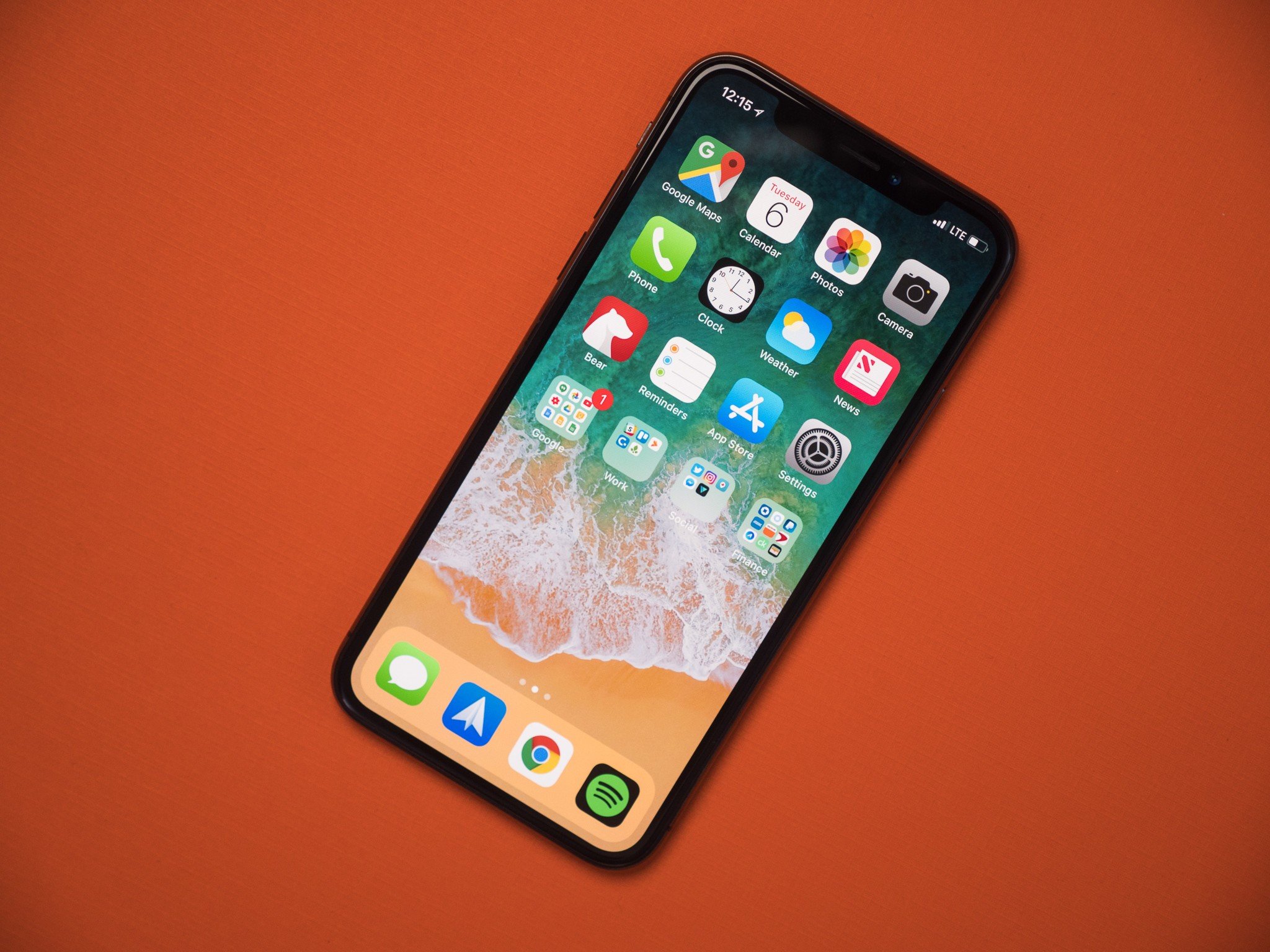
A couple of months ago, I wrote about carrying two phones at once; why you might want to, and some of the strategies that go into making it easier to manage. I've been dual-wieding phones since a little bit before then — right around the time I picked up an iPhone X — but I've finally given up on the prospect and gone back to carrying just one phone at a time because, for me at least, two proved to be more hassle than they were worth.

There are plenty of valid reasons to carry two phones, some work-related and some personal. I'm somewhere in-between; as a phone reviewer, it can be helpful to carry and test more than one phone at once, but I don't really take full advantage of that. One of my pockets is almost always occupied by my iPhone X, despite me being an employee of Android Central. What can I say — I like having both mobile operating systems at the ready, and some of the conveniences when paired with my MacBook Pro (Airdrop and iMessage, in particular) make the iPhone hard to leave at home.

But eventually, the inconveniences of having to manage two devices outweighed any advantages brought on by Apple's or Google's ecosystems. Having to charge two phones every day, keep two SIM cards active, keep both of my front pockets free (which is especially frustrating when I carry my wallet in my front pocket and always worry about my cards scratching my phones if I keep both in a pocket), and so on — it just became too much for me to want to deal with.

I carried two phones for platform diversity, but that might've been my downfall.

In fairness, things might've been a fair bit easier had I been carrying two Android phones. In my aforementioned piece, I recommended Google Voice as a way to use one phone number across multiple devices, but that doesn't work with iMessage. Neither does T-Mobile DIGITS, in case you're wondering. Photos would've also been a bit easier to manage; while you can use Google Photos for unlimited photo backups on either platform, iOS is aggressive enough in its background app management that I've checked Google Photos countless times to see a week's worth of photos still waiting to upload.

In any case, the dual phone experiment is over for me — at least, when I'm not traveling. This isn't the first time I've carried more than one phone at a time and I doubt it'll be the last, but having one phone just feels comfortable, and I've finally backed away from iMessage and moved my main SIM to the current phone I'm reviewing — which is the HTC U12+, in case you're wondering. Life is simpler now, though I already hate being back on SMS as the media I send and receive reverts to what the internet lovingly calls "potato quality."

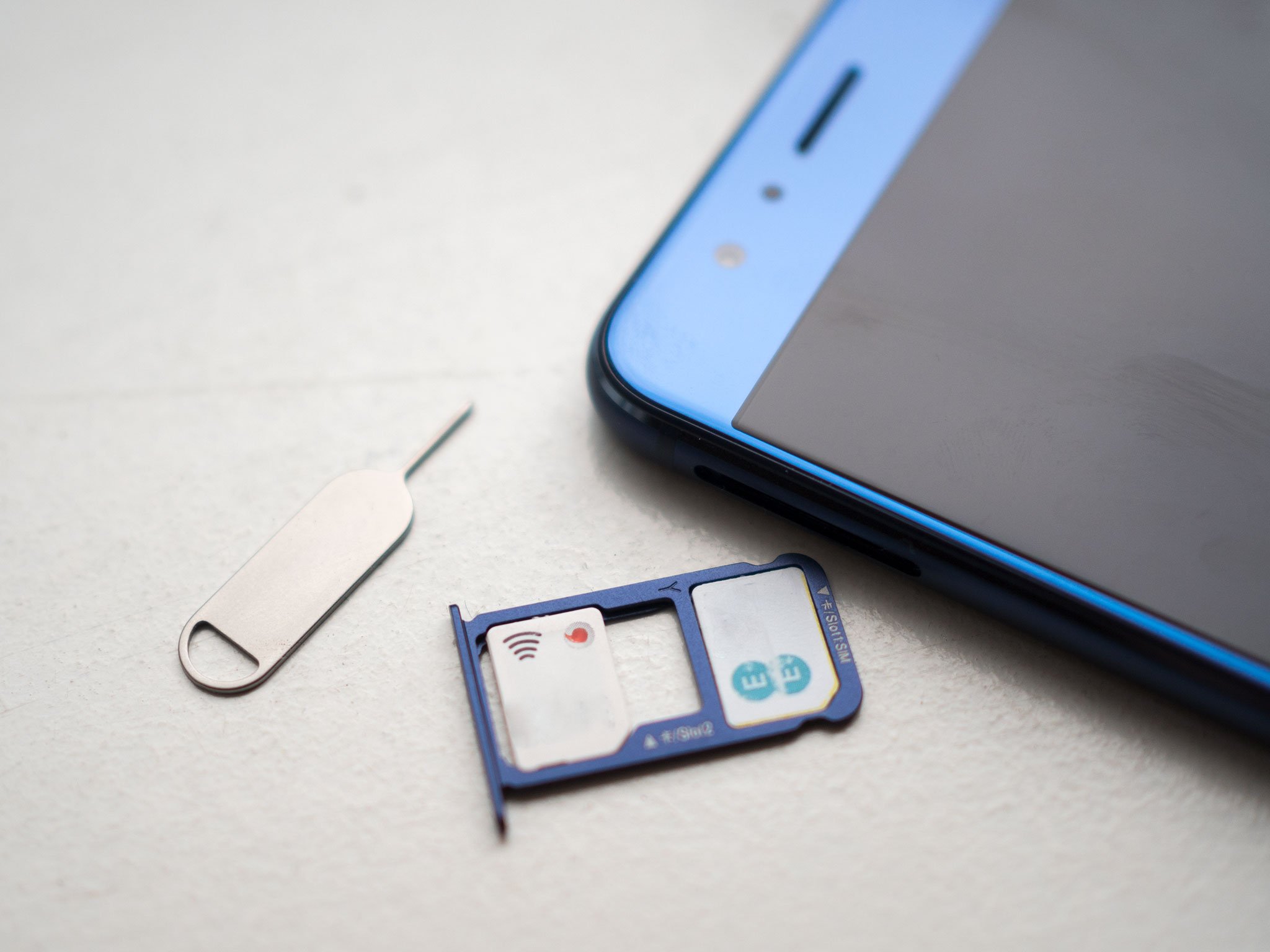
One of the things I enjoyed most about carrying two phones was being able to use two different networks, always being able to fall back to Verizon when AT&T loses coverage or vice-versa. The obvious solution when carrying only one phone is to use a dual-SIM phone, which can switch back and forth internally, either manually or automatically based on coverage. In he States, your options for a dual-SIM phone are fairly limited but they're not totally barren. Most of Huawei's phones are dual-SIM capable, including the long-lasting Mate 10 Pro and the affordable Honor View 10. If you're willing to import, you can also snag an international Galaxy S9, which makes use of the increasingly common microSD/nanoSIM hybrid tray to offer dual-SIM support.

I think for most people, though, the best option may be the OnePlus 6. Not only is it one of the more affordable options, but it's one of the best phones currently on the market, with high-end specs and a surprisingly good set of cameras, though it's still not quite up to par with true flagships like the Galaxy S9 and Pixel 2. It also works great on GSM networks — sorry if you were looking to use Verizon or Sprint. This means that even if you have a T-Mobile personal SIM and an AT&T work SIM, or some other combination of GSM networks, you don't have to carry two phones around all the time unless you really want to.

See at OnePlus

What's your take? Do you carry two phones, and if so is it by necessity or choice? Would you rather use a dual-SIM phone? Let us know in the comments below!


from Android Central - Android Forums, News, Reviews, Help and Android Wallpapers https://ift.tt/2J2XqVe
via IFTTT

Google Expeditions app updated with educational AR tours

Available for all ARCore and ARKit compatible devices.

There are a lot of different uses for augmented reality. In some cases, it can be harnessed to take selfies with Porgs and a Demogorgon. In others, AR can be used to educate yourself about the world around you.

Google's focusing on the latter of those two instances by updating its Google Expeditions app to bring AR tours to everyone that's got a compatible ARCore Android phone or ARKit iOS device.

Those AR tours, referred to as AR Expeditions, allow users to get up close and personal with various items in our world to learn more about them – such as the human skeletal system or Leonardo Da Vinci's Leocopter. Users can also use the Expeditions app to more easily find new tours to check out, rediscovered tours you've saved, and more.

This is an extension of the Google Expeditions AR Pioneer Program that Google announced last year for schools, and it's great to see that more people than ever will get to go hands-on with the tech.

Download: Google Expeditions (free)


from Android Central - Android Forums, News, Reviews, Help and Android Wallpapers https://ift.tt/2LaKLAo
via IFTTT